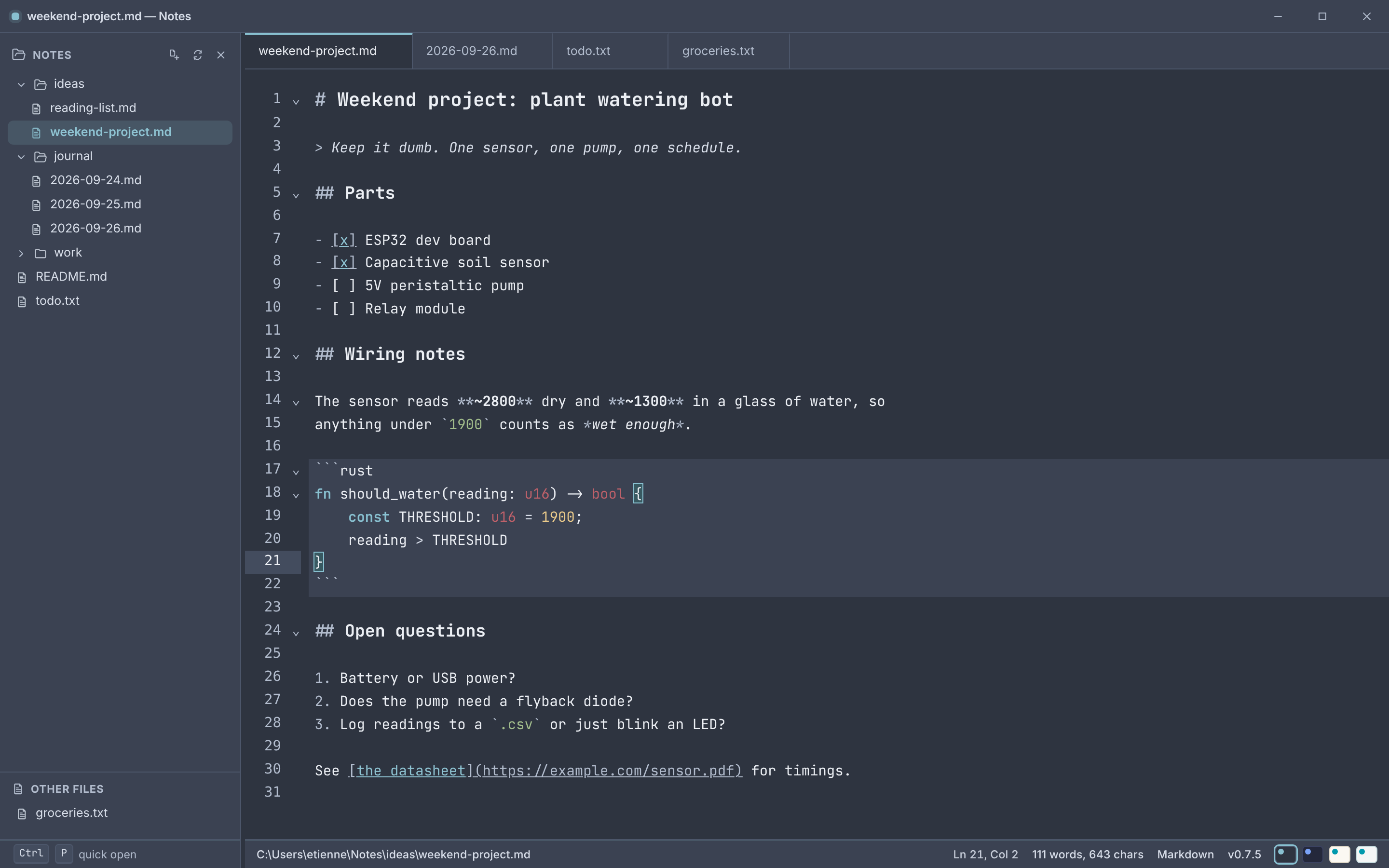
a desktop editor for .txt and .md files
point it at a file and start typing.
No vault. No index. No project to set up. Notes opens instantly and gets out of the way — built for the files you already have, not a workspace it wants to manage for you.
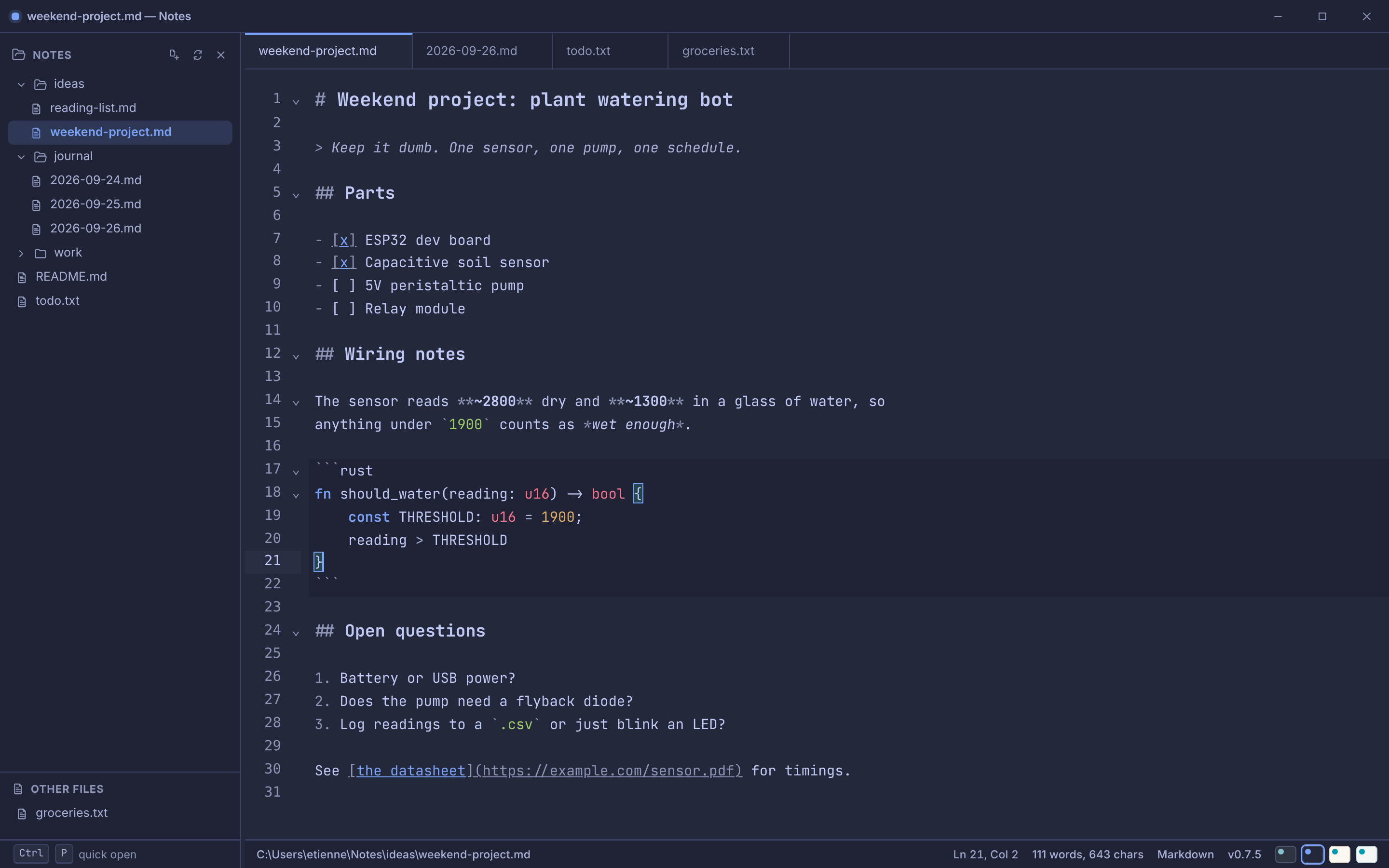
a desktop editor for .txt and .md files
No vault. No index. No project to set up. Notes opens instantly and gets out of the way — built for the files you already have, not a workspace it wants to manage for you.
Notepad++ is fast, but it hasn't kept up — no real markdown, no quick-open. Obsidian and VS Code are powerful, but they want a vault or a workspace before you've typed a word. Notes sits in the gap: modern conveniences, none of the ceremony.
No vault. No index database. No project config required to start typing. Point Notes at a file and it's already yours — open a folder alongside it only if you want a view into what else is there.
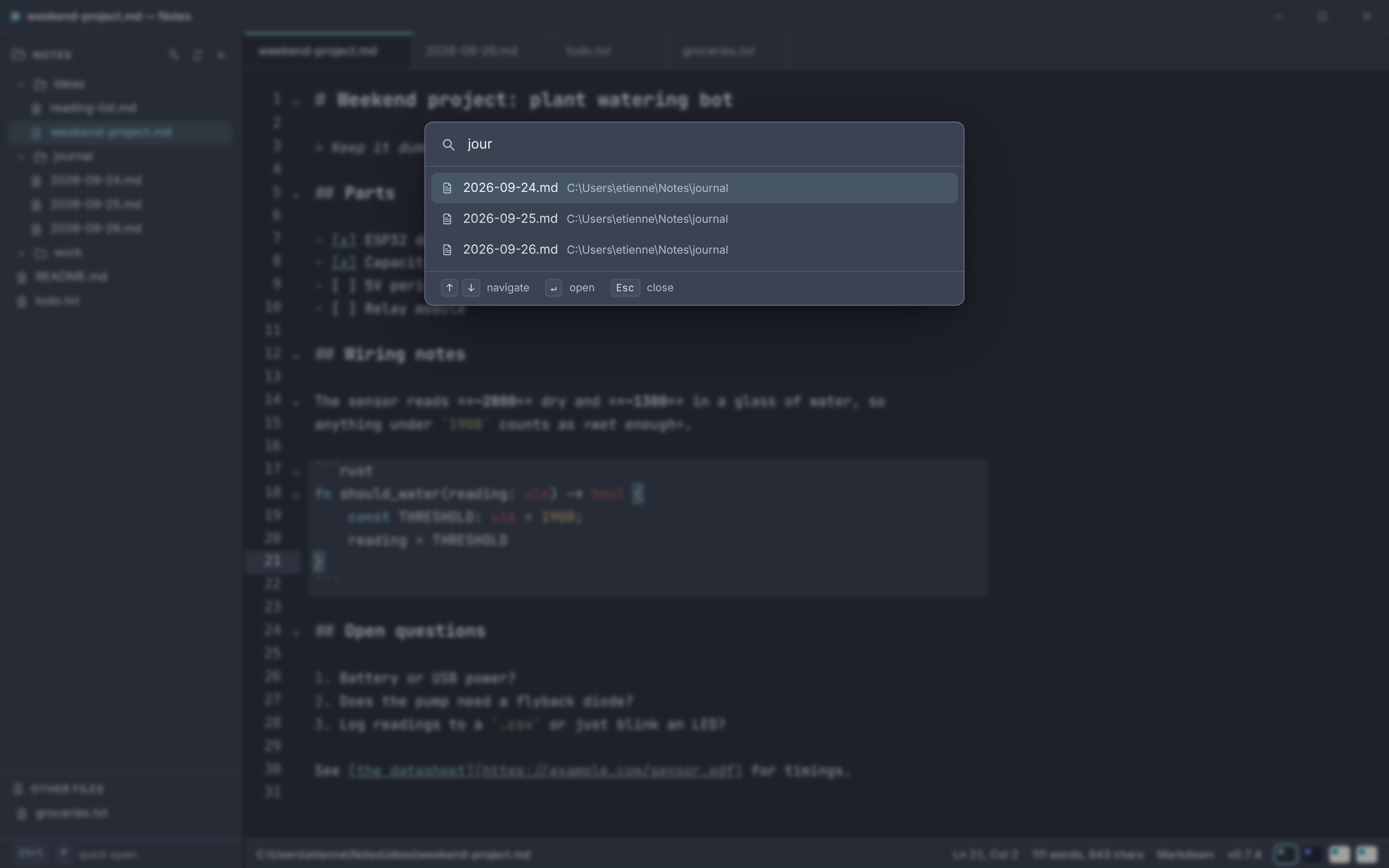
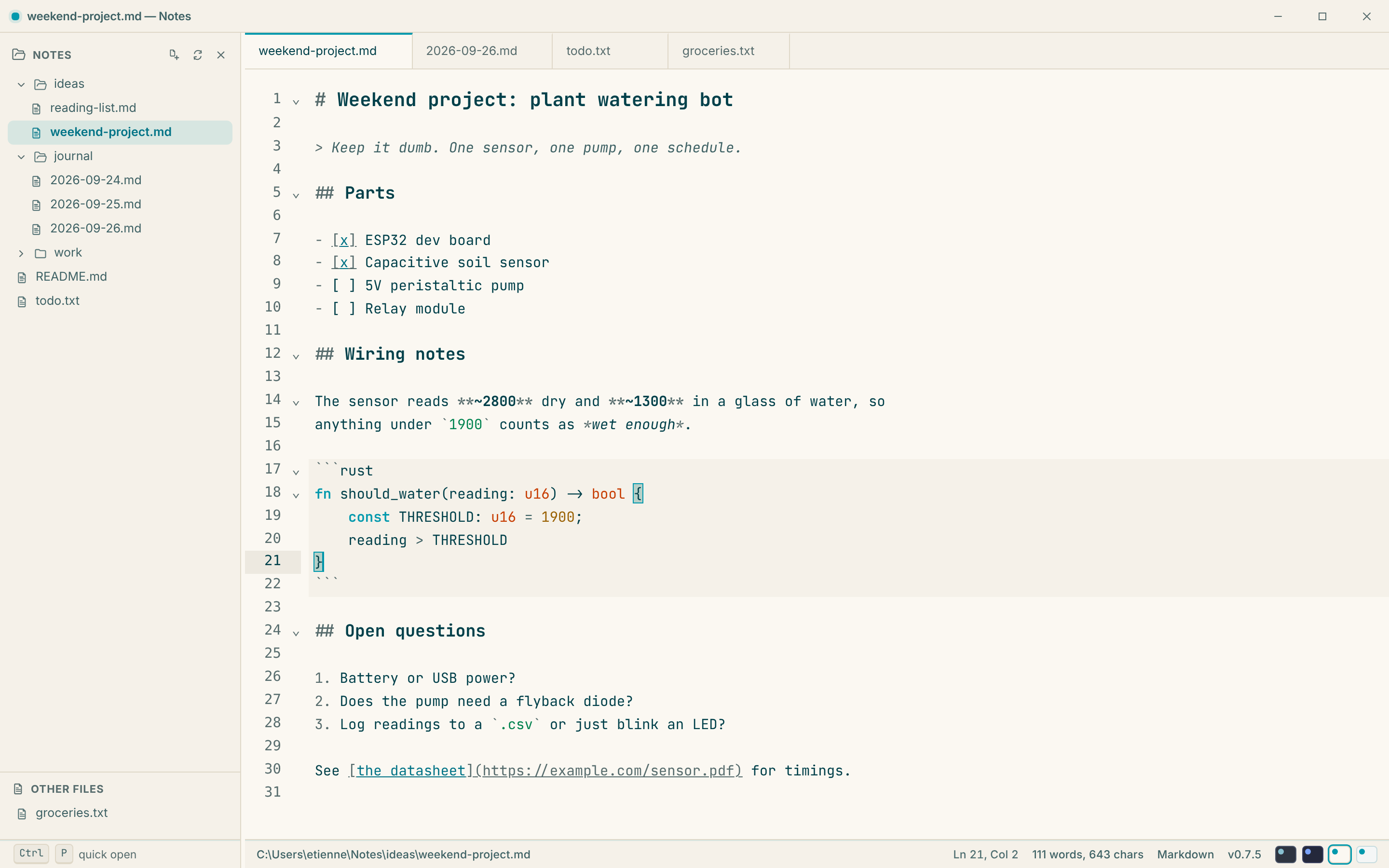
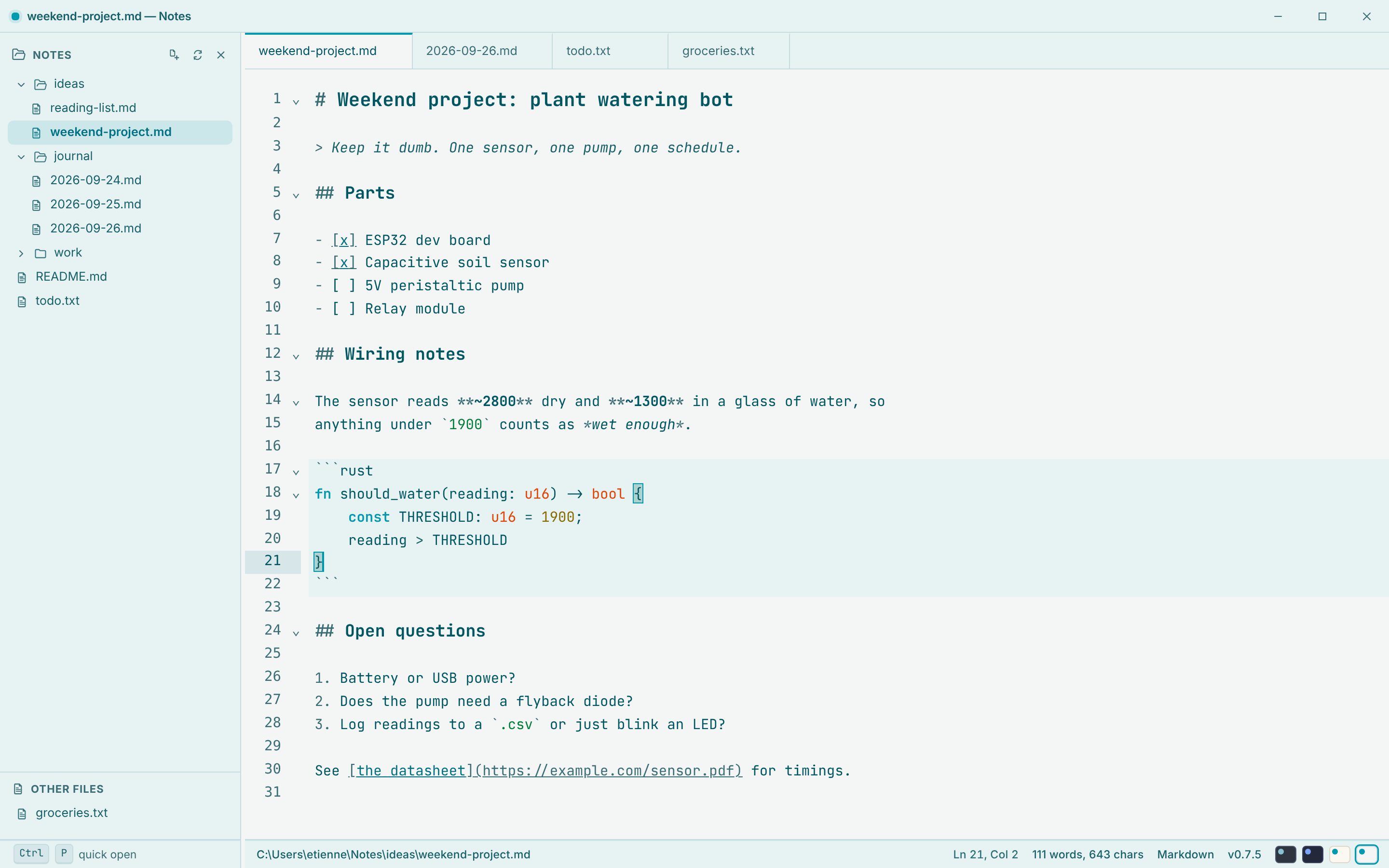
.md files as you write, without a live-preview pane competing for space.No restart, no settings file — pick one from the status bar.